Make VS Code look a bit more smooth (on Mac)
Default VS Code text rendering on macOS Retina can look fuzzy because the editor doesn't pick up the system's font smoothing. One setting fixes it.
- Open settings
- Go to
workbench.fontAliasing - Set it to
auto
The change should apply immediately:
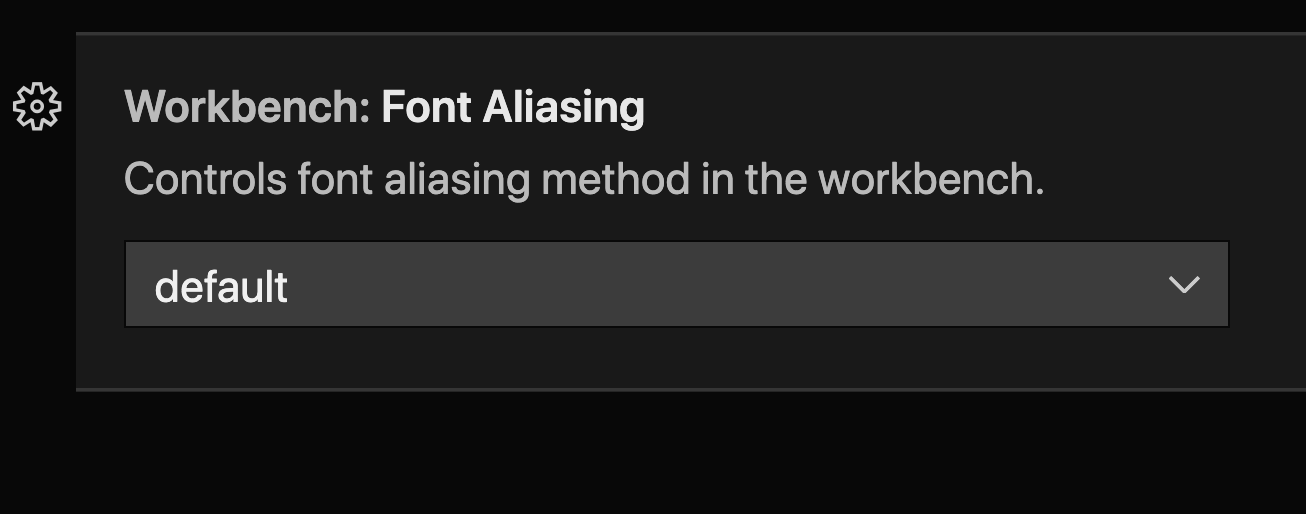 Before — default rendering.
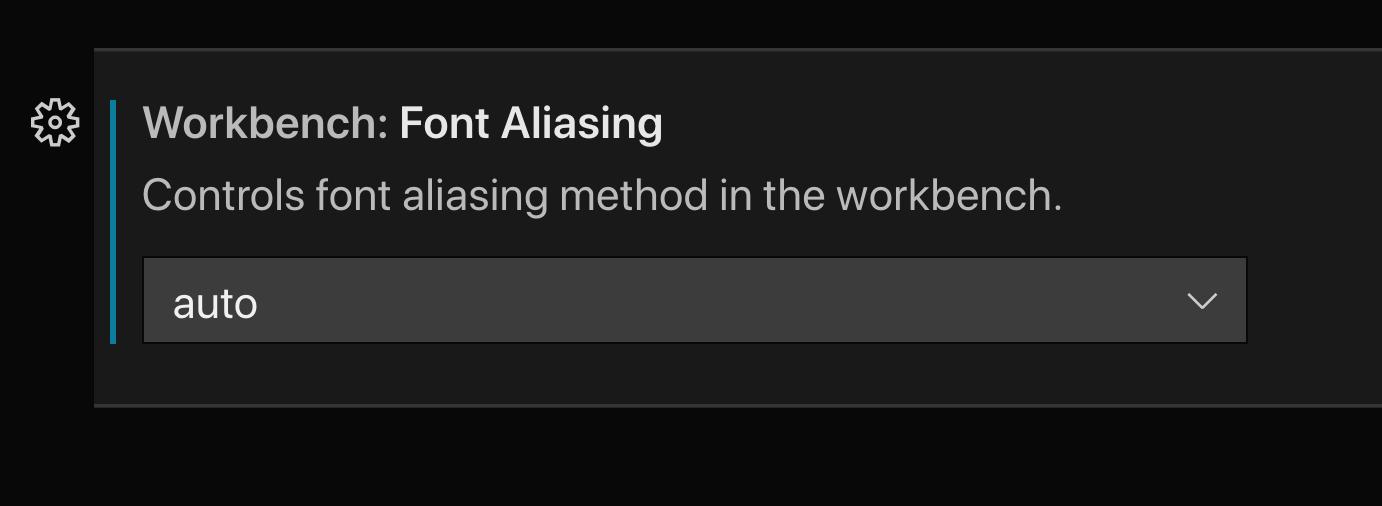 After —
 workbench.fontAliasing: "auto".
The difference is most visible on Intel Macs and pre-Apple-Silicon-era setups; on M-series machines with current macOS the default rendering already differs and the change is subtler.